Scan, import and create PDFs
Scan with the device camera or import gallery photos, then combine pages into a multi-page PDF document.
Cezar Creative Apps
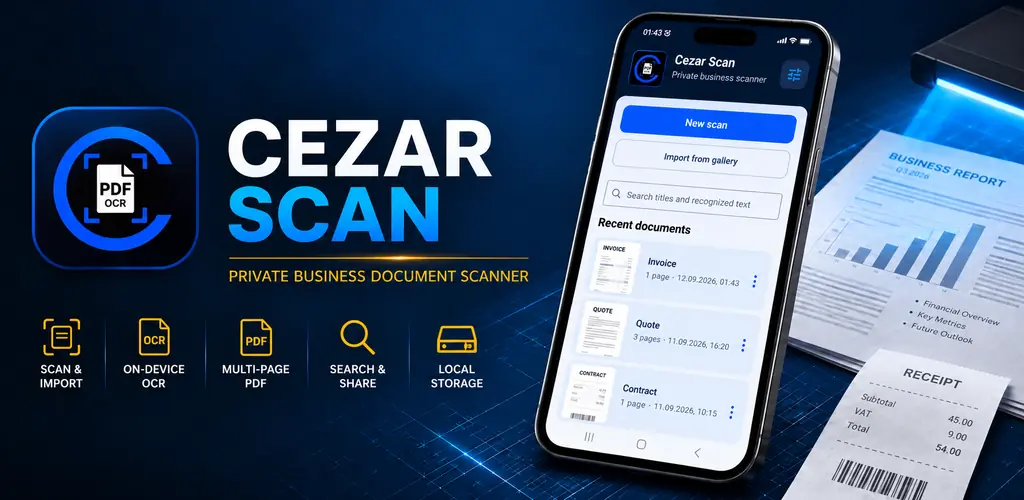
Turn receipts, quotes, contracts and notes into organised digital documents. Cezar Scan combines scanning and photo import, on-device recognition of printed text and multi-page PDF creation. Crop and reorder pages, find saved content, and export or share the finished document. Documents stay in the app’s local storage, from the first scan to the final PDF.
From scan to PDF
Scan, import and create PDFs
Scan with the device camera or import gallery photos, then combine pages into a multi-page PDF document. Manually crop pages, change their order and delete individual pages when they are no longer needed.
On-device OCR and search
Recognise printed Latin-script text on your device, copy it and search saved documents by name or recognised content. OCR search in the app does not add a searchable text layer to exported PDFs.
Document management
Rename saved documents, export them and share them through the available device options.
Explore Cezar Scan
A focused set of tools for capturing, processing, reviewing and sharing business documents.
Turn receipts, quotes, contracts and notes into organised digital documents. Cezar Scan combines scanning and photo import, on-device recognition of printed text and multi-page PDF creation. Crop and reorder pages, find saved content, and export or share the finished document. Documents stay in the app’s local storage, from the first scan to the final PDF.
Scan with the device camera or import gallery photos, then combine pages into a multi-page PDF document.
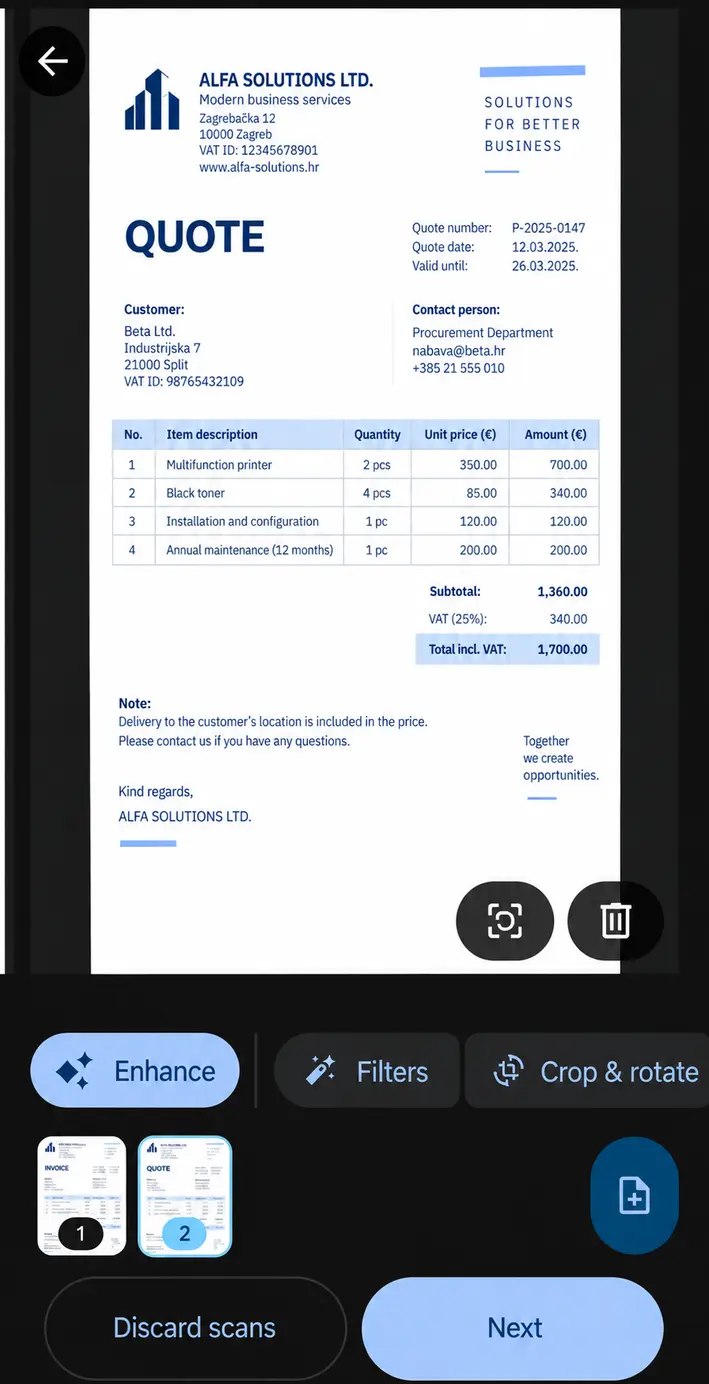
Manually crop pages, change their order and delete individual pages when they are no longer needed.
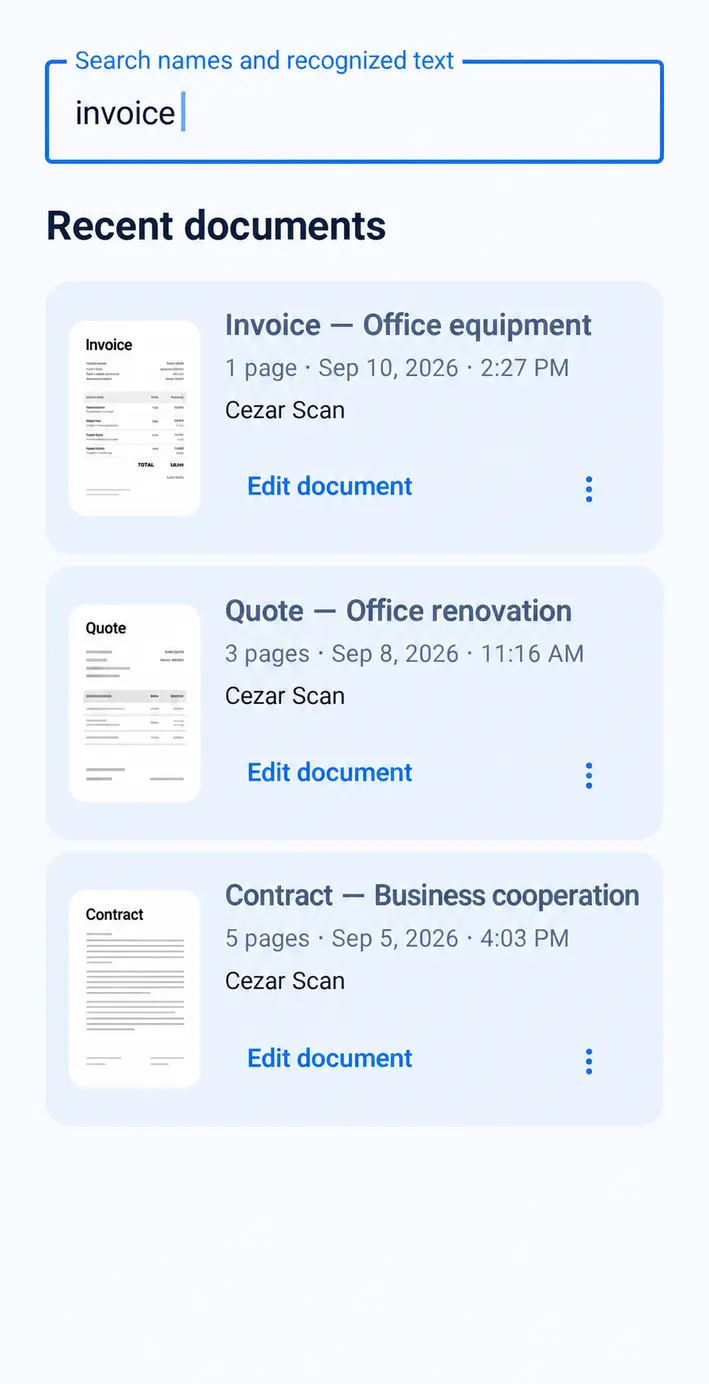
Recognise printed Latin-script text on your device, copy it and search saved documents by name or recognised content. OCR search in the app does not add a searchable text layer to exported PDFs.
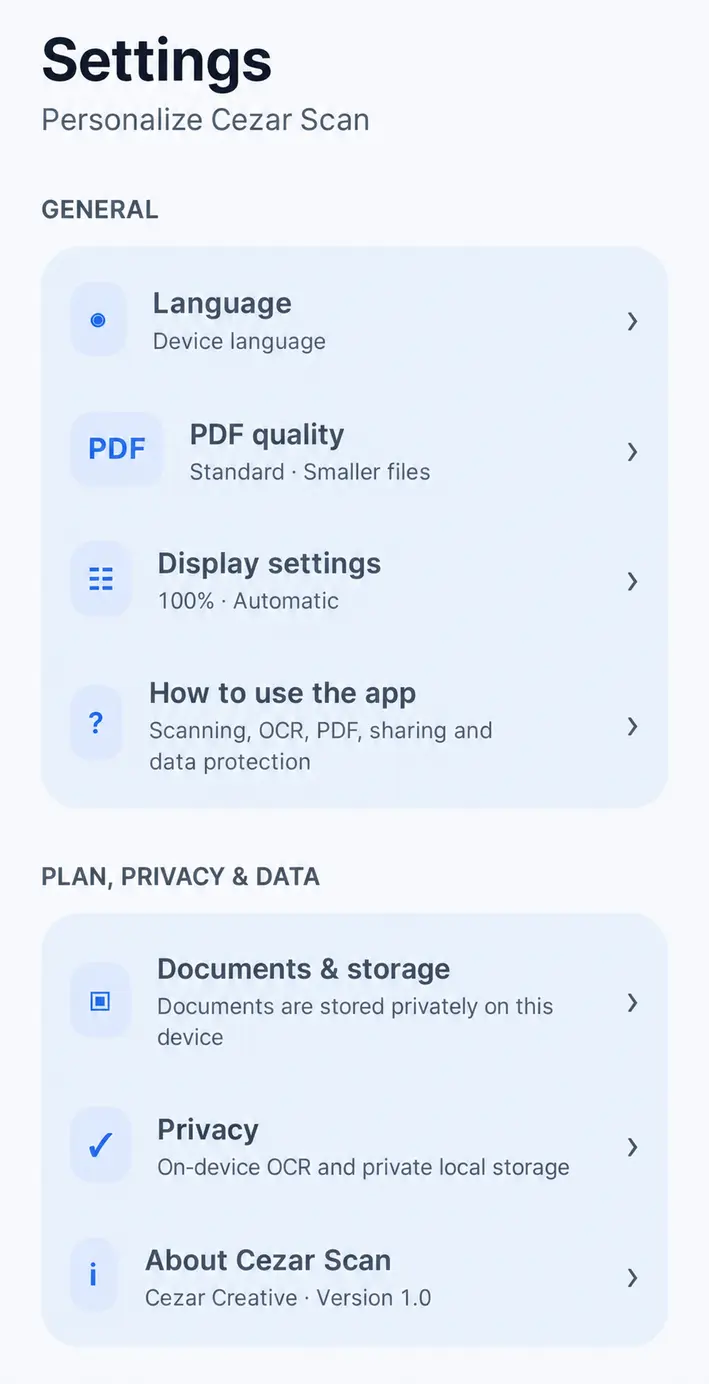
Use a multilingual interface and adjust the theme, text size and contrast to suit your needs.
Document workflow
A focused set of tools for capturing, processing, reviewing and sharing business documents.
Scan with the device camera or import gallery photos, then combine pages into a multi-page PDF document.
Automatically detect document edges, improve readability and soften shadows before saving the result.
Manually crop pages, change their order and delete individual pages when they are no longer needed.
Recognise printed Latin-script text on your device, copy it and search saved documents by name or recognised content. OCR search in the app does not add a searchable text layer to exported PDFs.
Swipe between PDF pages, zoom in and pan a page while it is enlarged.
Rename saved documents, export them and share them through the available device options.
Use a multilingual interface and adjust the theme, text size and contrast to suit your needs.
Product behavior
Cezar Scan keeps its approved privacy behavior clear and specific.
Documents are stored locally in the application’s private storage.
OCR for printed text runs on-device.
No mandatory user account.
No advertisements.
Free and PRO
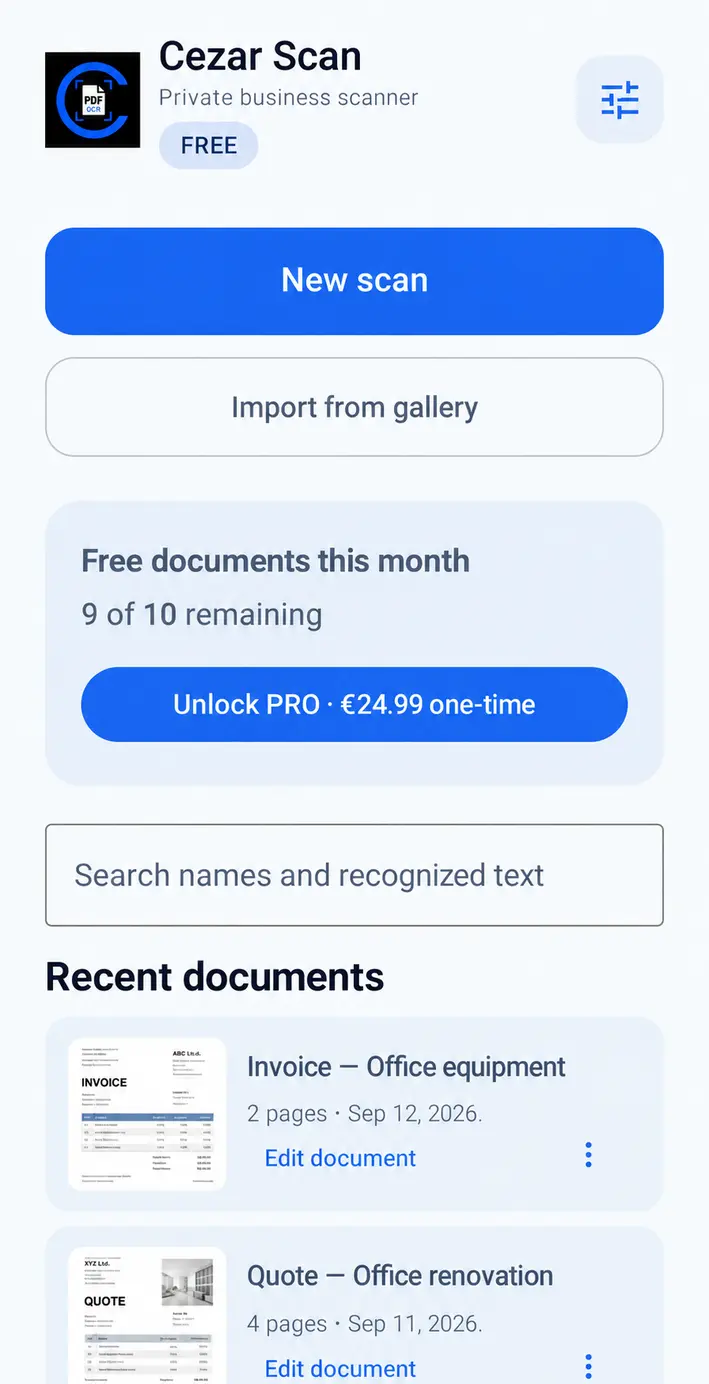
Start with the monthly Free allowance or remove its limits with a one-time PRO purchase.
Free
The Free version supports up to 10 documents each month. Created PDFs include a watermark.
PRO
€24.99
PRO removes the monthly document limit and removes the watermark from new PDFs created after the upgrade. It does not change previously created PDFs.
Private document scanner guide
A private business document scanner for receipts, quotes, contracts, field documentation and other business records, with multi-page PDFs and on-device OCR. Cezar Scan keeps its approved privacy behavior clear and specific.
Documents are stored locally in the application’s private storage. OCR for printed text runs on-device.
Recognise printed Latin-script text on your device, copy it and search saved documents by name or recognised content. OCR search in the app does not add a searchable text layer to exported PDFs.
Manually crop pages, change their order and delete individual pages when they are no longer needed. Swipe between PDF pages, zoom in and pan a page while it is enlarged.
Documents are stored locally in the application’s private storage. OCR for printed text runs on-device.
Recognise printed Latin-script text on your device, copy it and search saved documents by name or recognised content. OCR search in the app does not add a searchable text layer to exported PDFs.
Scan with the device camera or import gallery photos, then combine pages into a multi-page PDF document. Manually crop pages, change their order and delete individual pages when they are no longer needed.
The Free version supports up to 10 documents each month. Created PDFs include a watermark. PRO removes the monthly document limit and removes the watermark from new PDFs created after the upgrade. It does not change previously created PDFs.
Scan receipts, quotes, contracts and field documentation with the device camera, or import existing photos from the gallery.
No mandatory user account. No advertisements.
Google Play
Cezar Scan is available on Google Play. Download the published app from its official store listing.
Cezar Scan is available on Google Play. Download the published app from its official store listing.
Explore other products for related tasks. Each has its own features and terms.